
Auto Scaling Hosting: Boost Your Website’s Performance & Reliability
Discover how auto scaling hosting ensures your website can handle traffic fluctuations effortlessly, saving costs and improving uptime.

1 min read

- Author
- Published
- Reading time
- 1 min
What is Auto Scaling Hosting?
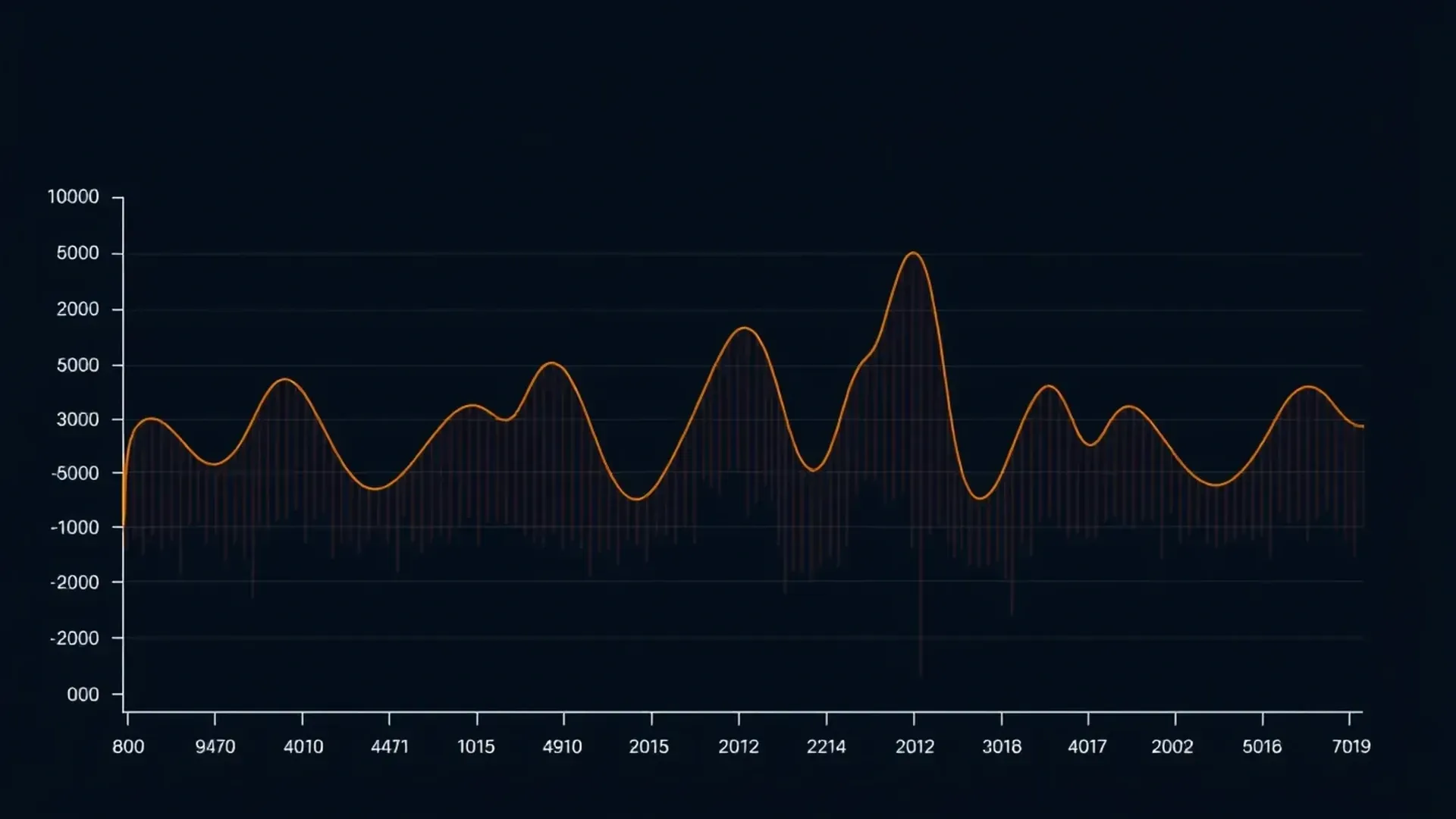
Imagine your website is at a party. Sometimes, it’s packed — tons of visitors — and other times, just a few. Auto scaling hosting is like having a smart bouncer who adjusts the number of doors open based on how many people show up. It automatically adds or removes server resources to match the traffic, so your site stays fast and reliable without you lifting a finger.
At its core, auto scaling is a feature in cloud hosting that dynamically adjusts resources—like CPU, memory, or server instances—based on real-time demand. Instead of guessing how much capacity you'll need or paying for idle servers, auto scaling keeps things efficient and responsive.
Key Benefits of Auto Scaling
Why bother with auto scaling? Well, it offers several major perks:
- Cost savings: You pay only for what you use, avoiding unnecessary expenses on unused capacity.
- Improved reliability: Your site stays online even during traffic spikes, reducing downtime.
- Better user experience: Faster load times mean happier visitors and better engagement.
- Ease of management: Automated adjustments free you from manual server tweaks.
Think about it this way—auto scaling is like having a team of helpers who step in during busy hours to keep everything running smoothly, then step back when things slow down.
How Auto Scaling Works
Here's what happens behind the scenes: auto scaling uses metrics—like CPU utilization, network traffic, or request rate—to decide when to add or remove resources. For example, if CPU usage stays above 70% for a set period, it might spin up another server instance. Conversely, if traffic drops, it can shut down extra servers to save costs.
Health checks are also crucial. They ensure that new servers are functioning correctly before directing traffic to them, maintaining stability. Some auto scaling setups are reactive—they respond to sudden changes—while others predict demand based on past patterns, called predictive scaling.
Auto Scaling vs Traditional Hosting
With traditional hosting, you're locked into a fixed amount of resources. If your traffic spikes unexpectedly, your site slows down or crashes. You might need to manually upgrade servers—no fun and not quick. Auto scaling, however, adapts on the fly, making it a smarter choice for sites with variable traffic.
But, it’s not perfect for every case. If your traffic is steady, the added complexity might not be worth it. Still, for businesses with fluctuating demand, auto scaling is a game-changer.
Best Providers for Auto Scaling
Many cloud providers offer auto scaling features—think AWS, Azure, GCP. They each have their tools and integrations:
- AWS: Auto Scaling Groups work seamlessly with EC2 instances and load balancers.
- Azure: Virtual Machine Scale Sets let you automatically adjust VM counts based on metrics.
- GCP: Managed Instance Groups handle auto scaling with custom policies.
Choosing the right provider depends on your needs, budget, and existing infrastructure. You can also explore affordable hosting plans that include auto scaling features to get started without breaking the bank.
Linux Hosting with Auto Scaling Features
Many Linux hosting providers now include auto scaling capabilities, making it easier for developers and businesses to build scalable, resilient websites. Linux is known for its stability and flexibility, and when combined with auto scaling, it offers a powerful platform for growth.
If you're considering Linux hosting, look for providers that support integrations with cloud auto scaling tools or offer their own built-in solutions. This combo is perfect for startups and growing businesses aiming for cost-efficiency and high uptime.
Summary: Is Auto Scaling Right for You?
If your website experiences variable traffic—say, during sales, seasonal peaks, or viral campaigns—auto scaling is a smart investment. It ensures your site stays fast and available without overspending. However, if your traffic is predictable and steady, traditional hosting might be simpler and cheaper.
To get started, check out providers that offer auto scaling in their plans, and explore how their features can fit your needs. Remember, the goal is to keep your site running smoothly without fussing over server management.
Frequently Asked Questions
What is auto scaling in cloud hosting?
Auto scaling is a cloud feature that automatically adjusts server resources based on demand, ensuring optimal performance and cost efficiency.
What are the benefits of auto scaling?
It saves costs, improves uptime, enhances user experience, and reduces manual management efforts.
How does AWS auto scaling work?
It uses metrics like CPU utilization to automatically launch or terminate EC2 instances, maintaining performance during traffic changes.
What is the difference between horizontal and vertical scaling?
Horizontal scaling adds or removes servers; vertical scaling upgrades existing servers' capacity. Auto scaling primarily focuses on horizontal scaling.
What metrics are used for auto scaling?
Common metrics include CPU load, memory usage, network traffic, and request rate, which trigger scaling actions.
Is auto scaling cost-effective?
Yes, because you pay only for the resources you use, avoiding waste on idle servers.
What are examples of auto scaling use cases?
Sales events, seasonal traffic spikes, viral content campaigns, or any site with unpredictable visitor patterns.
How to set up auto scaling on Azure?
Azure offers Virtual Machine Scale Sets, which you configure with desired metrics and rules to automatically adjust VM counts.


Discussion