
Understanding Web Hosting Data Centers: What You Need to Know
Discover how data centers power web hosting, their types, infrastructure, and why they matter for your website’s performance

1 min read
- Author
- Published
- Reading time
- 1 min
What Is a Data Center in Web Hosting?
Think of a data center as the central hub behind your website’s operation. It’s a dedicated space filled with servers and hardware that store, process, and send your site’s data worldwide. Without such facilities, your website would be nothing more than a bunch of files on a personal machine, unable to handle visitors or maintain security measures.
How Do Data Centers Operate?
Essentially, data centers house powerful servers connected via high-speed networks. When someone visits your site, their request travels through the internet to the data center, which retrieves your files and sends them back. This process relies heavily on a robust infrastructure—like fast networking hardware, reliable power supplies, and cooling systems—to keep everything running smoothly and without interruption.
Different Types of Data Centers for Web Hosting
There are several types, each suited to different hosting needs:
- Colocation Data Centers: You lease space and infrastructure inside an existing facility, providing your own hardware but sharing core systems.
- Managed Data Centers: A provider takes care of all aspects—servers, security, maintenance—so you can focus on your website.
- Cloud Data Centers: Resources are virtualized and scalable across different physical locations, perfect for flexibility and growth.
- On-Premises Data Centers: Your own facility—less common for smaller sites but often used by large enterprises.
The best choice depends on your budget, technical skills, and growth plans.
Essential Components of a Data Center
Every data center relies on key infrastructure:
- Servers: Hardware that runs your website and applications.
- Storage Systems: Devices that securely archive data, backups, and archives.
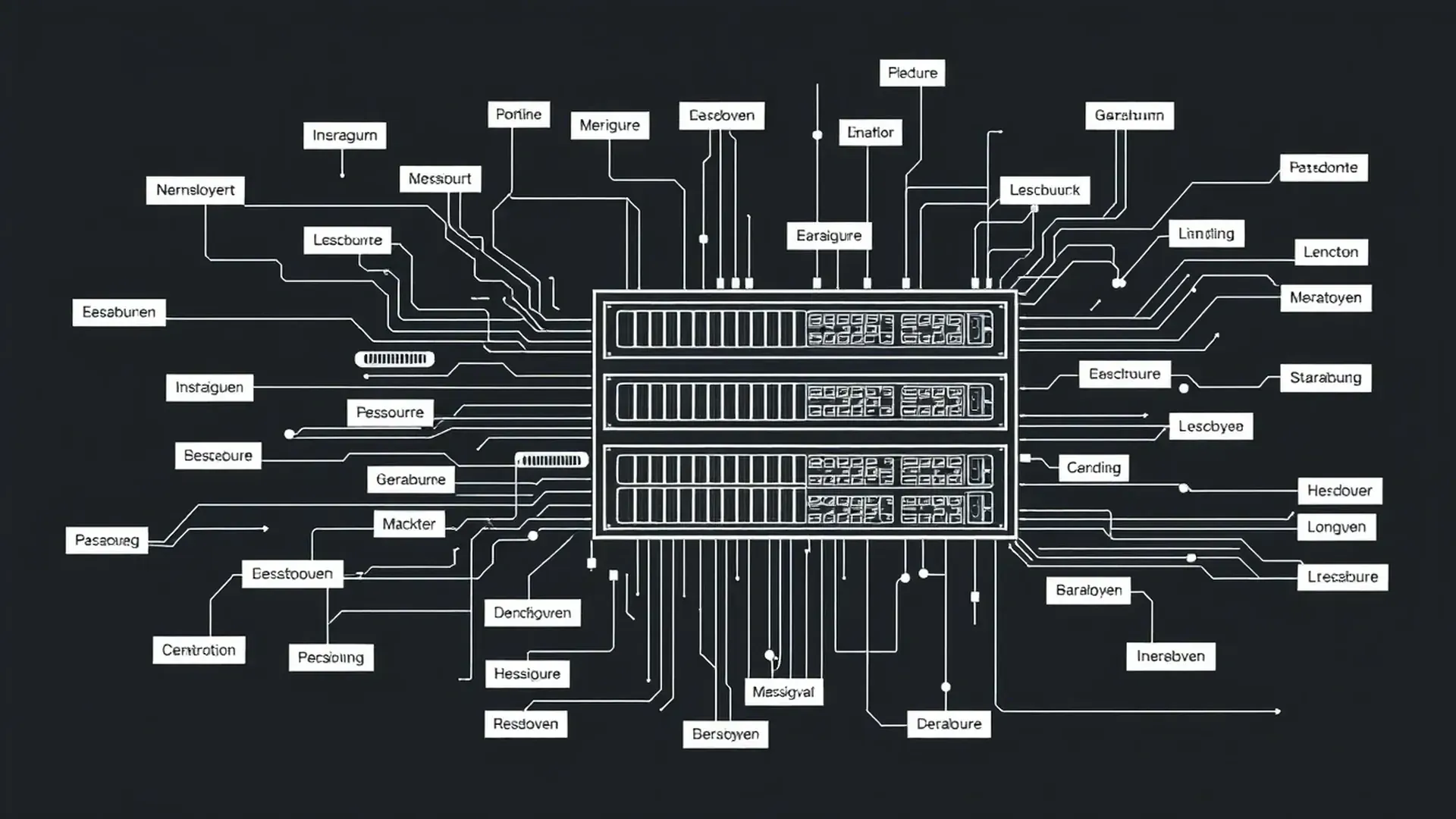
- Networking Equipment: Routers, switches, and firewalls managing data flow and security.
- Cooling and Power: Systems vital for preventing overheating and ensuring continuous power supply.
Infrastructure and Security in Data Centers
Security isn’t overlooked here. Data centers include physical measures like biometric access controls and surveillance, plus cybersecurity tools such as firewalls and intrusion detection systems. Redundancy—like backup power and alternative network routes—ensures your website stays online even if a component fails.
Advantages and Downsides of Colocation, Managed, and Cloud Data Centers
Here's a quick guide:
- Colocation: Cost-effective if you already own hardware; offers control but requires technical know-how.
- Managed: Hands-off option; ideal if you prefer simplicity and security handled for you.
- Cloud: Very scalable; pay-as-you-go plans suit growing sites but can be more complex to manage.
Why Do Data Centers Matter for Web Hosting?
They affect speed, security, and reliability. A well-chosen data center reduces latency, manages traffic spikes, and protects your data. Location also plays a key role—hosting closer to your visitors improves load times and overall performance.
Data Center Location and Its Impact on Performance
Where your data center is located influences how quickly your website loads. Hosting nearby your target audience cuts delays and boosts user experience. Many providers offer multiple locations—think of them as branches in different cities to serve visitors better. For example, if most of your users are in Europe, hosting there makes a clear difference.
Data Storage and Redundancy for Reliability
Data redundancy means making multiple copies of your information across different hardware or locations. It’s similar to having a spare key—prepared for hardware failures or disasters. Modern facilities often use RAID configurations, backups, and geographic redundancy to keep your site accessible all the time.
Selecting the Right Data Center for Your Needs
When choosing a data center, consider your budget, technical skills, and growth plans. Think about location, security features, scalability, and support quality. Small startups or new sites often benefit from managed or cloud solutions—more straightforward and flexible. Larger companies might prefer colocation for greater control.
If you’re unsure where to start, look for providers offering flexible plans and simple upgrade options. Remember, your choice of data center can greatly influence your website’s speed, security, and overall dependability.
FAQs about Web Hosting Data Centers
What is a data center and how does it operate?
A data center is a facility packed with servers and networking gear that store, manage, and deliver your website’s data. It processes requests and ensures your site loads quickly and securely.
What types of data centers exist?
They include colocation, managed, cloud, and on-premises options—each serving specific needs and budgets.
How do colocation and managed data centers differ?
Colocation involves renting space and managing your own hardware, while managed centers handle the hardware and upkeep for you.
Why do hosting providers rely on data centers?
They provide vital infrastructure to host websites reliably, securely, and with room to grow.
What equipment is found inside a data center?
Servers, storage devices, networking hardware, cooling systems, and backup power supplies.
How do data centers guarantee security and uptime?
Through physical security measures, cybersecurity tools, redundancy, and routine maintenance.
What distinguishes cloud data centers from on-premises ones?
Cloud data centers are virtualized resources spread over multiple locations, whereas on-premises are owned and operated directly by your organization.
How does location influence website performance?
Hosting closer to your visitors cuts latency and speeds up load times, leading to better user experiences.
If you're exploring hosting options, check out our web hosting plans and find the best fit for your site’s needs.



Discussion